用链接制作
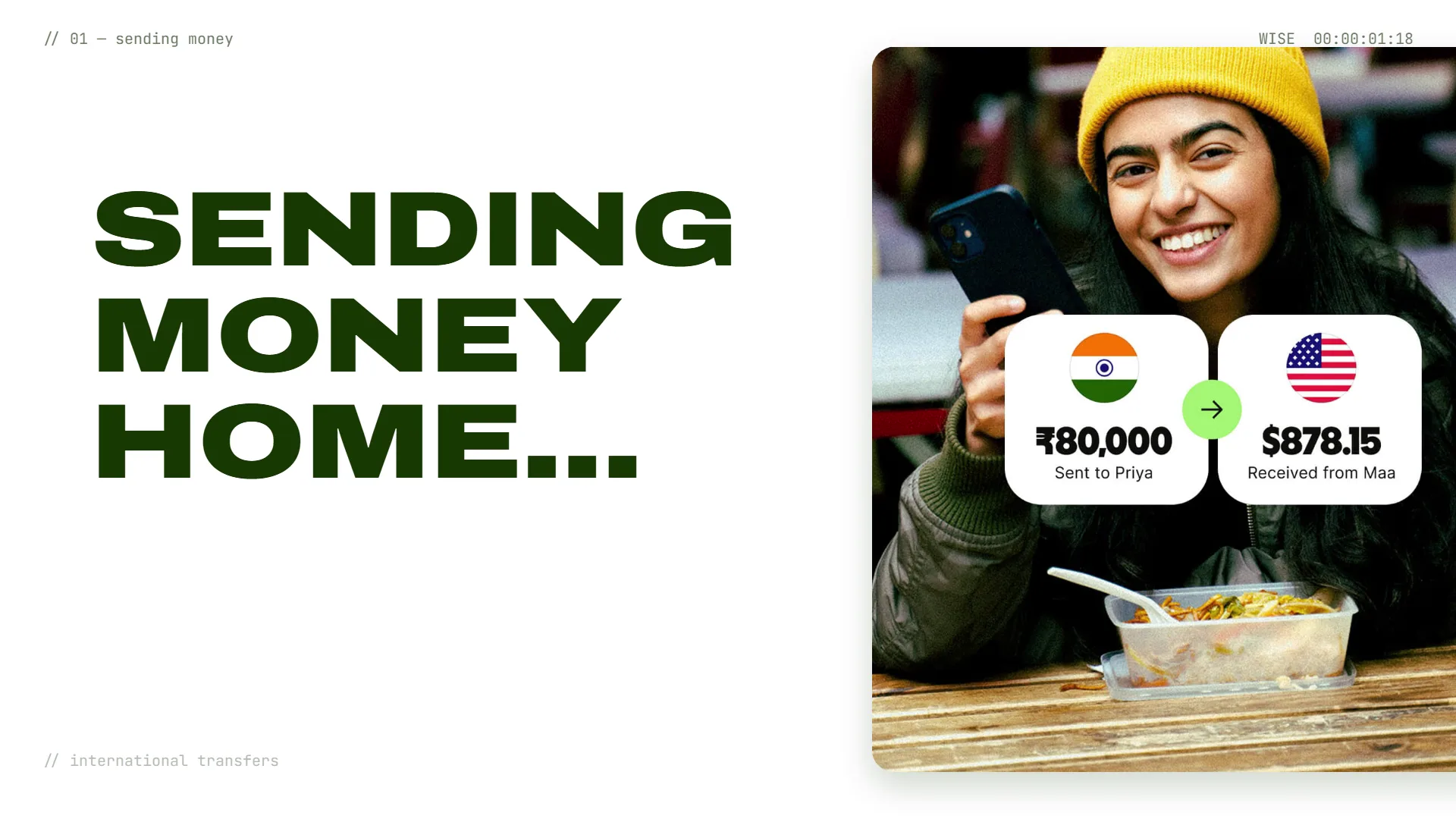
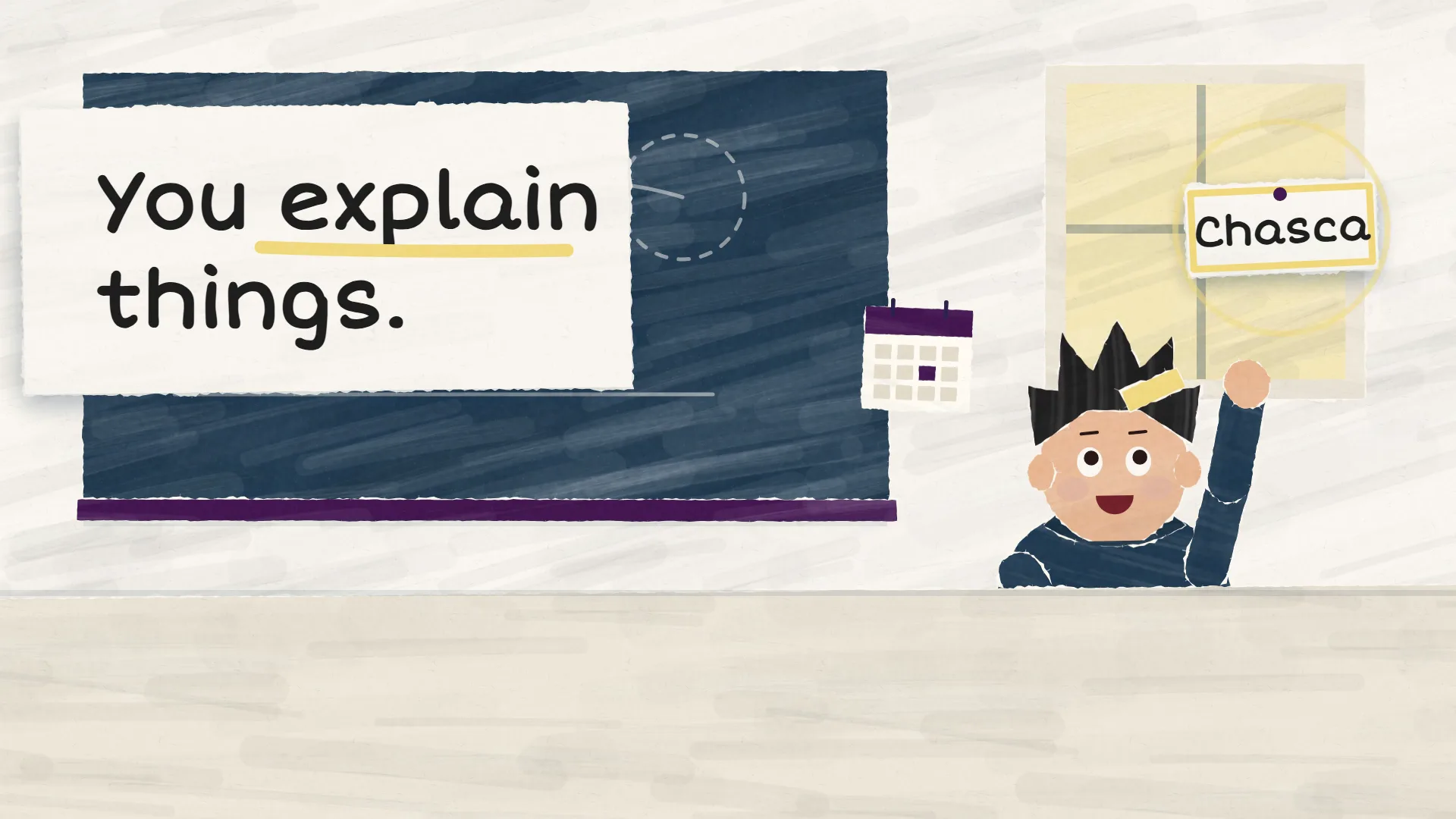
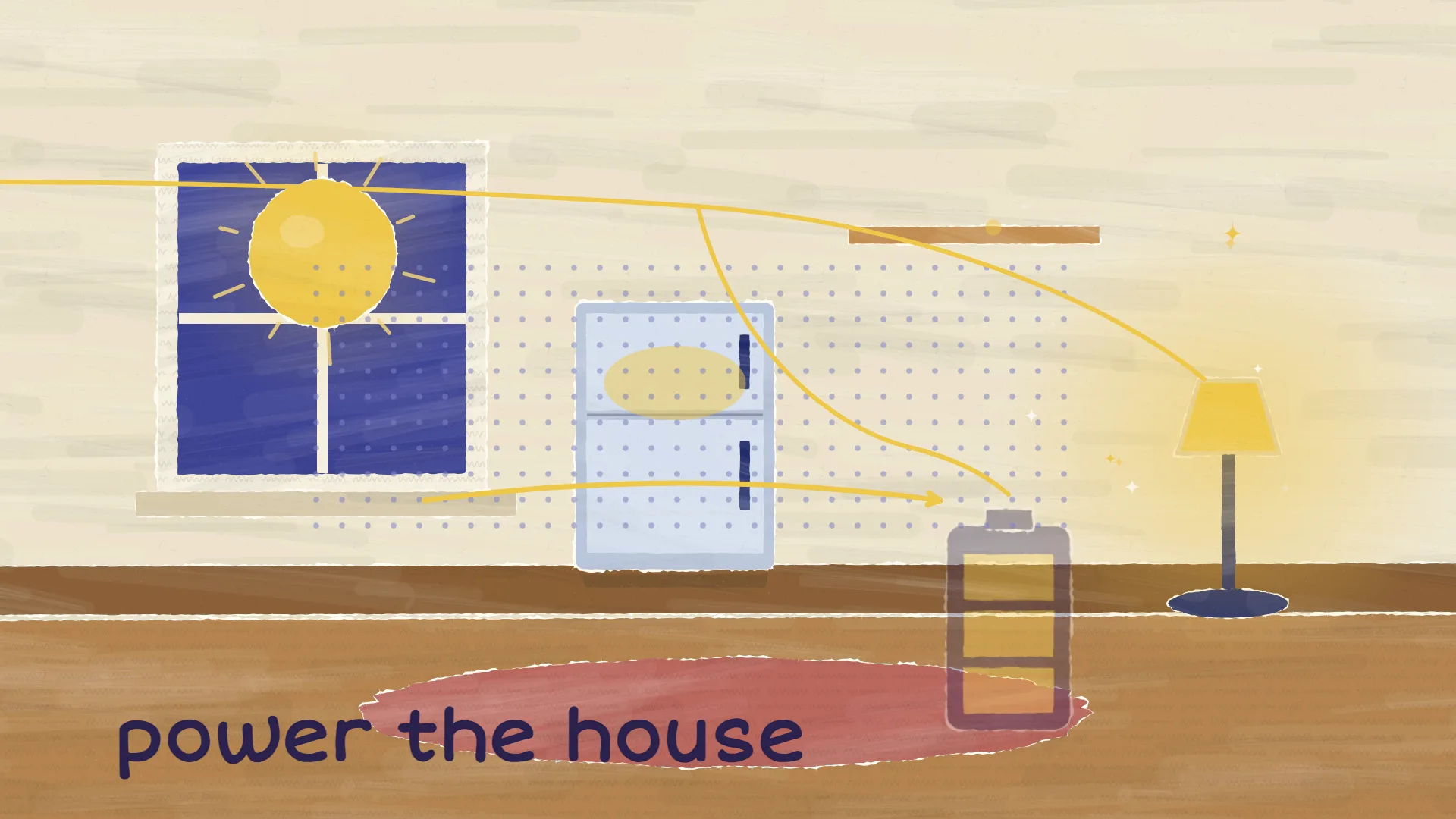
根据产品链接生成的方形功能发布视频:Voom 的产品链接功能
一支宣布单个功能的 45 秒方形视频,根据提示词和 madewithvoom.com 生成。Voom 展示了链接如何输入、从页面保留了什么,以及带品牌风格的视频如何生成,1:1 尺寸适合 LinkedIn 和 Instagram 信息流。
根据上方提示词和 Voom 自己的网站 madewithvoom.com 用 Voom 生成。 本视频为英文配音。
文字稿
Your product page already says everything… in a way nobody watches. So paste its link. Voom reads the page for free, that's it. It keeps your colours, your type, your logo, and pictures worth showing. Then it checks every number against your page and your prompt. What comes out is a film made for that one product, its own design, no preset themes. Every word on screen is set in real type, in your own type. Fix a word, or remake it in another size, same voice, same music. Now paste your link. Your first video is free.
提示词
A 45-second square announcement of one Voom feature only: product links. Paste a product page link and Voom reads the page for free, keeps the brand's colours, type, logo and the product pictures worth showing, checks every number against the page, and builds the whole film around them. Show a link going in and a branded film coming out. End on: Paste your link. Your first video is free.
链接: madewithvoom.com
设置
- 画面比例
- 1:1(方形)
- 时长
- 设定 45 秒,成片 45 秒
- 声音
- Charon
- 字幕
- 关闭