Type it. Watch it move.
Motion graphics videos from a prompt or a product link. Launch films, explainers and social ads, each with its own design, voice-over and music.
A 30-second launch film for Voom: type a prompt or paste a product link and get a finished motion graphics video with voice-over, an original score and captions. For founders and marketers. Bold, fast and crafted: huge type, a new idea on every beat, one material carried from the prompt to the finished film.
Made with Voom from this prompt and Voom’s own brand.
More films made with Voom
A launch film from a product link and an explainer from one prompt, each made by Voom from start to finish.
-
A launch film made from wise.com
Example prompt: “A 30-second launch film for Wise.”
Made with Voom from this prompt and wise.com’s public website. An example only; Voom is not affiliated with Wise.
-
An explainer made from one prompt: how a solar panel makes electricity
Example prompt: “Explain how a solar panel turns sunlight into electricity, for curious homeowners.”
Made with Voom from this prompt alone, a hypothetical brief with no link.
Every video on your list
Launch films, explainers, social ads and videos made from a product link. Start from one of these, or bring your own idea.
- Product launch video 16:9, 30 s
Example prompt: Launch video for our budgeting app for couples. Confident and warm, ending on our website address.
How it works for this - Explainer video 16:9, 45 s
Example prompt: Explain how a heat pump keeps a home warm in winter by moving heat instead of making it. Friendly and clear, for homeowners.
How it works for this - Social media ads 9:16, 15 s
Example prompt: A 15-second vertical ad for our running shoes. Energetic, with a hook in the first two seconds.
How it works for this - Product link to video 16:9, 30 s
Example prompt: A 30-second film for this product page. Show the three main features with real screens. Calm and confident.
How it works for this
How a sentence becomes a video
One pass, no timeline to wrangle. You can follow every stage as it happens.
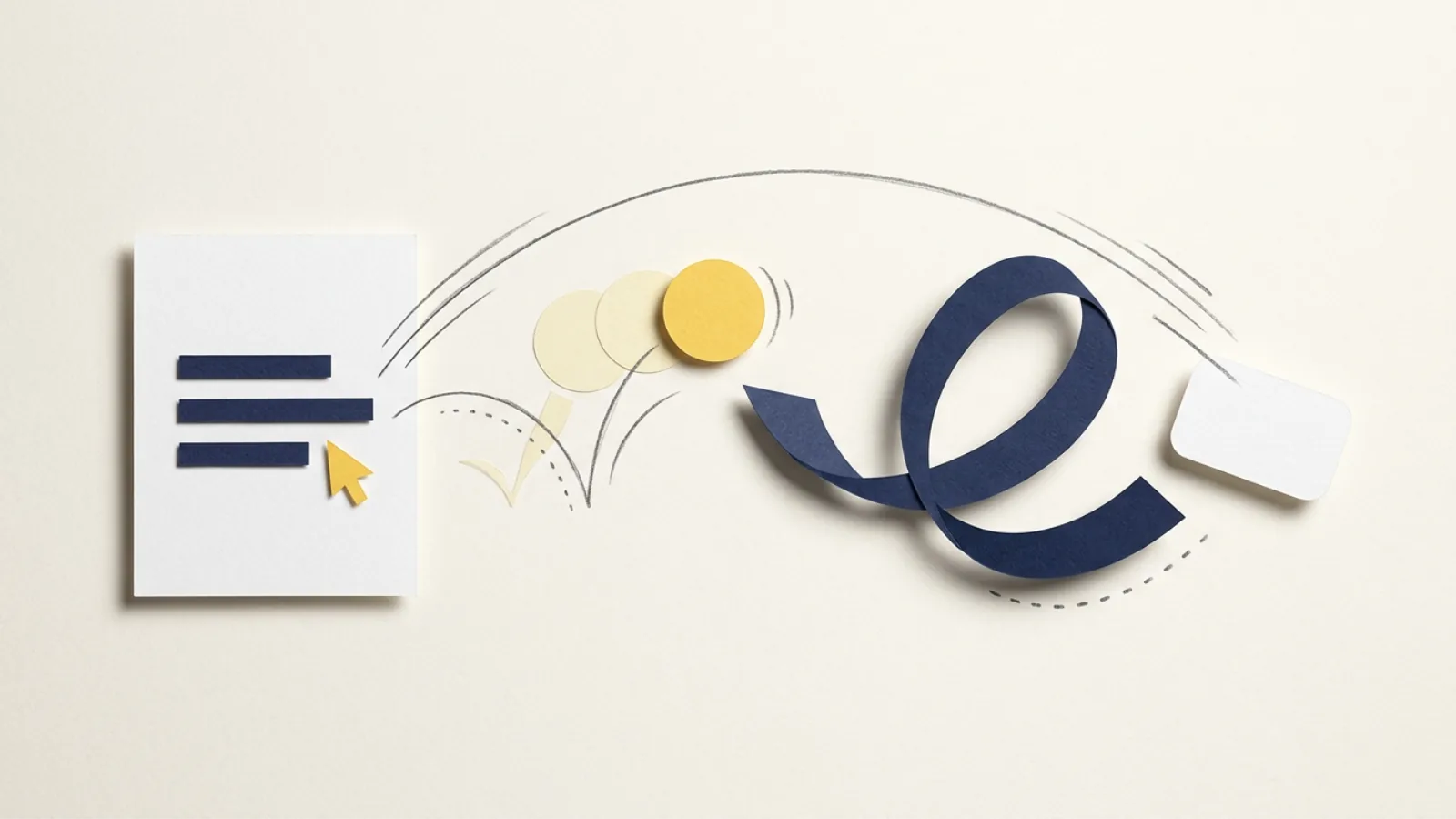
-
You type
A sentence is enough. Add a product link or images when you have them.
prompt, link, images
-
Voom designs it
It studies your site (or the topic), designs a look for this video alone, then writes the story and the script.
brief, design, storyboard
-
Voice, motion, music
A narrator records the script, each shot is animated to its words, and an original score is written to fit.
voice-over, animation, score, sound
-
Your video
Every shot is checked before the film is rendered to MP4, with captions if you want them.
MP4, 16:9 to 9:16
You choose four things. Voom designs the rest.
The look, the type, the story, every shot and the music are designed for that one video. These are yours to decide:
- 01
Size
16:9, 9:16, 1:1 or 4:5. Every frame is composed for the shape you pick.
- 02
Length
Pick a length, or Auto: the story decides, and unused credits come back.
- 03
Voice and language
20 voices, each able to speak every language Voom offers. Or let Voom cast one.
- 04
Captions
The spoken words on screen, for people watching with the sound off.
Made for where it plays
Choose 16:9, 9:16, 1:1 or 4:5, and every frame is composed for that shape, so nothing is cropped or squeezed.
- 16:9 Landscape YouTube, websites, decks
- 9:16 Vertical Reels, Shorts, TikTok
- 1:1 Square Feeds and ads
- 4:5 Portrait Instagram and LinkedIn feeds

Designed for your brand, not picked from a list
There are no styles to pick from. Every video gets a design of its own, built from your product’s site or, without a link, from the topic.
-
Your colours and type
Add a product link and the film takes its palette from your site, with type to match.
-
Your real screens
Product films show your actual screens and logo, from the site or from images you add.
-
Or from the topic
No link? The palette and type are chosen for the subject and the mood you describe.
-
Real numbers only
Every figure in a product film is checked against your site and your prompt.
A voice for every story
20 narrators in six moods. Each one speaks every language Voom offers, and the accent follows the language. Choose one, or leave it on Auto and Voom casts the part.
- Warm and friendly
Approachable narrators who sound like a helpful friend. Sulafat · Achird · Callirrhoe · Umbriel · Vindemiatrix
- Clear and informative
Steady, precise voices for explainers and walkthroughs. Charon · Iapetus · Erinome
- Bright and upbeat
Energetic voices for launches, hooks and social clips. Zephyr · Puck · Laomedeia · Fenrir · Leda
- Smooth and premium
Polished brand voices for premium products. Algieba · Despina
- Firm and confident
Decisive voices for announcements and B2B. Kore · Orus
- Soft and calm
Gentle, intimate voices for calm and reflective films. Enceladus · Gacrux · Algenib
Voice-over is included on every plan, and you can switch it off.
Music written for each video
Every video gets an original score, composed to its length and mood, plus a few real recorded sound effects where the motion calls for them.
Steer it in your prompt
“Calm and premium, with a slow build to the last shot.”
Mixed and mastered to -14 LUFS, a common loudness target for streaming, with true peaks under -1 dBTP.
Priced by length
Every video costs 8 credits plus 9 a minute of video, and adding a product is free. That is the whole price list.
Launch film, 30 seconds
- Reading your product link included
- Script and storyboard included
- Design for this film included
- Voice-over included
- Original score included
- Sound effects and mix included
- Render, 1080p MP4 included
Pay for the seconds you get
Auto length holds enough credits for 45 seconds while the video is made. Whatever it does not use comes straight back.
Failures cost nothing
If a video fails, or you stop it, every credit returns to your balance.
Start with a free video
Your first video is free: up to 30 seconds, with a faint, moving watermark. No card needed.
Pay for videos, not seats
Every plan includes all 20 voices, all four sizes and captions. Credits pay only for finished video.
Free
$0 forever
- One video, up to 30 seconds
- Adding products is free
- All 20 voices, every size, captions
- A faint, moving Voom watermark
Pro
Coming soon$29 a month
- 650 credits a month About 50 videos of 30 seconds a month
- Adding products is free
- All 20 voices, every size, captions
- No watermark
Business
Coming soon$99 a month
- 2,300 credits a month About 176 videos of 30 seconds a month
- Adding products is free
- All 20 voices, every size, captions
- No watermark
Paid plans open soon. Joining a waitlist is free: you hear first when checkout opens, and nothing is charged. Prices are in US dollars.
Questions, answered
The short version: type what you need, get a finished MP4, pay only for the videos you make.
Motion graphics videos: animated type, shapes, charts and your product’s real screens, with a voice-over, an original score and optional captions, delivered as an MP4. Think launch films, explainers and social ads rather than filmed footage.
Voom is a motion graphics video maker that uses AI. It makes designed animation: type, shapes, charts, icons and your product's own pictures, with a voice-over and an original score. It does not generate talking avatars or footage that looks filmed, so your real screens, names and numbers stay exactly as they are.
Yes. Paste your product link and Voom reads the site: its colours, fonts, copy, screenshots and logo. You can also add your own images, such as screenshots or product photos.
There is no list to pick from. Each video gets a look designed for it: from your product’s site when you add a link, from the topic when you don’t. Describe the mood you want in your prompt to steer it.
Credits pay for finished video. Every video costs 8 credits plus 9 a minute of video, so a 30-second film uses 13 credits. With Auto length, Voom holds enough credits for 45 seconds and returns whatever the film does not use.
Every credit it held comes back to your balance automatically, and you can try again with one click.
All 20 voices speak every language Voom offers, and the accent follows the language you choose. Captions follow the voice-over. You can also make a video with no voice at all.
Not the finished film itself. Make a variation instead: Voom copies your request into a new draft, where you can change the prompt, size, length or voice. You can also share a finished video with a private link.
Yes, a faint Voom mark that drifts across the picture, so it cannot be cropped out. Videos made on Pro or Business have none.
Your first video is one sentence away.
Free to start. No card, no timeline, no stock templates.
Make a video, free